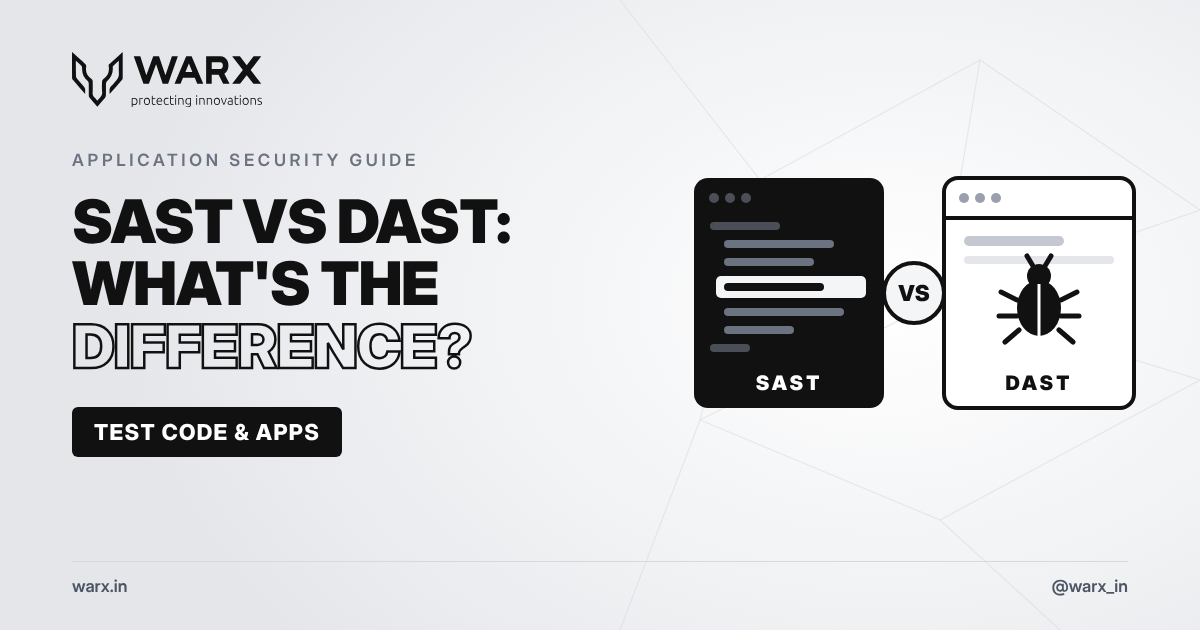
Web applications and APIs are among the most common targets for attackers. Two of the most important ways to find security problems in them are SAST and DAST. They are often mentioned together, but they work in very different ways and find different kinds of problems. Understanding the difference helps you choose the right testing, and see why most teams need both.
What is SAST?
Static Application Security Testing (SAST) analyses your source code, bytecode or binaries without running the application. It looks at how the code is written to find patterns that can lead to vulnerabilities. Because it sees the code from the inside, it is often called white-box testing.
SAST is good at finding:
- SQL injection and command injection flaws in the code
- Hardcoded passwords, API keys and tokens
- Insecure use of functions and libraries
- Weak cryptography
- Unsafe handling of user input
What is DAST?
Dynamic Application Security Testing (DAST) tests your application while it is running, from the outside, the same way an attacker would. It sends requests to your web app or API and looks at how it responds. Because it has no access to the code, it is often called black-box testing.
DAST is good at finding:
- Cross-site scripting (XSS) and injection flaws that can actually be exploited
- Authentication and session management weaknesses
- Server and configuration errors
- Missing security headers
- Problems that only appear when different parts of the system work together
SAST vs DAST at a glance
- When it runs: SAST runs early, on code during development. DAST runs later, on a working application in a test or staging environment.
- What it needs: SAST needs access to the source code. DAST only needs the application's URL or API.
- What it sees: SAST sees the code from the inside. DAST sees the application from the outside, like an attacker.
- What it finds: SAST finds flaws in how code is written, and shows the exact line. DAST finds flaws that can actually be exploited in the running app.
- Typical gaps: SAST can report issues that are not exploitable in practice, and misses configuration and runtime problems. DAST can't show the exact line of code to fix, and only tests the parts of the app it can reach.
Why you need both
SAST and DAST complement each other. SAST catches problems early, when they are cheapest to fix, and points developers to the exact line of code. DAST confirms which issues are real and exploitable in the running application, and catches configuration and runtime problems that SAST can't see. Using both gives you much better coverage than either one alone.
Where manual penetration testing fits
Automated SAST and DAST tools are fast and consistent, but they can't think like an attacker. Business logic flaws, for example letting a user change the price in a checkout or view another user's data, often need a human tester to find. Manual penetration testing combines automated results with expert analysis to find what tools miss and confirm real risk.
Building security into development
The most effective teams run security testing continuously, not once a year:
- Run SAST automatically when developers commit code or open a pull request.
- Run DAST on staging environments before each release.
- Scan third-party libraries and dependencies for known vulnerabilities.
- Schedule regular manual penetration tests, especially after major changes.
- Track every finding until it is fixed and retested.
How WarX helps
WarX provides SAST, DAST and manual penetration testing for web applications, mobile apps and APIs. Our team analyses your code and tests your running applications, removes false positives, and delivers clear, prioritised reports with fixes your developers can act on. We retest after fixes and support continuous testing for development teams. All testing is aligned with OWASP, NIST and ISO 27001 practices.
Learn more about our cybersecurity services, or contact our team to plan your application security testing.
Frequently asked questions
Is SAST or DAST better?
Neither is better on its own. SAST finds flaws early in the code, and DAST confirms what can be exploited in the running application. Most teams get the best results from using both.
When should SAST and DAST be run?
Run SAST continuously during development, ideally on every code change. Run DAST on test or staging environments before each release, and after major changes.
Do SAST and DAST replace penetration testing?
No. Automated tools miss business logic flaws and complex attack chains. Manual penetration testing is still needed to find these and confirm real risk.
If this is already happening to a title or a brand you represent, talk to our cybersecurity services or Contact.