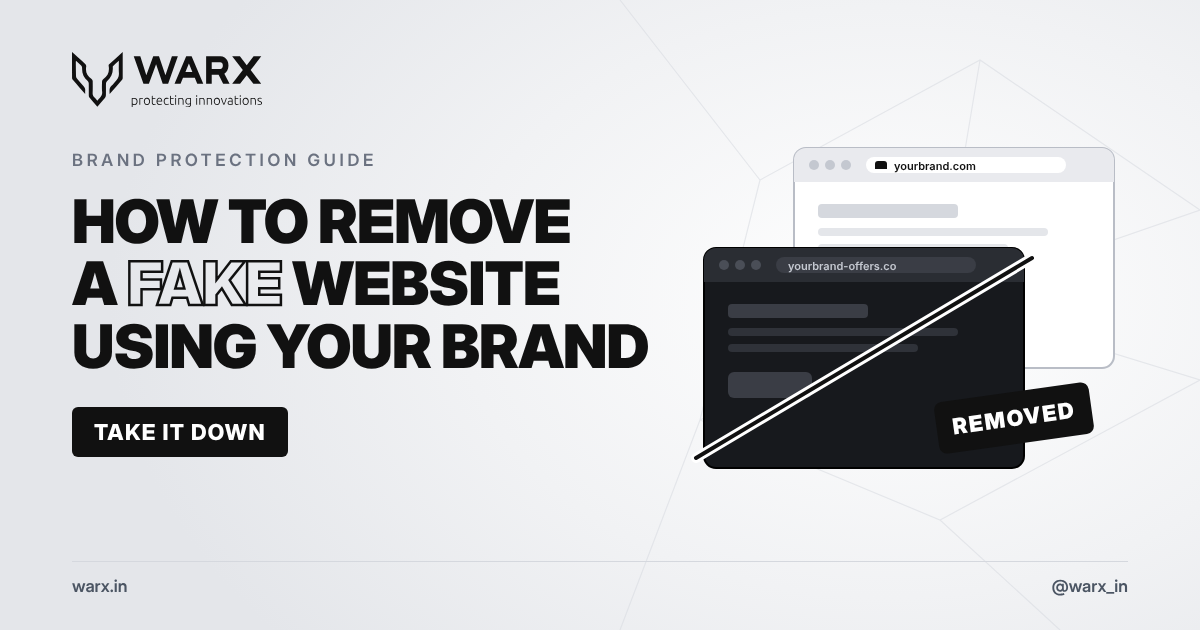
A fake website can look exactly like yours: the same logo, the same products, even the same photos. It may sell counterfeit goods, collect customer payments, or steal login details. Every day it stays online, it costs you money and damages the trust customers have in your brand. The good news is that fake websites can be removed, and the process is faster when you know where to act.
How to spot a fake website
Fake websites usually give themselves away in a few ways:
- A look-alike domain: your brand name with extra words (such as "-offers", "-sale" or "-official"), a different ending (.co instead of .com), or small spelling changes.
- Copied content: your logo, product photos and text, sometimes word for word.
- Prices that are too good: large discounts designed to rush people into paying.
- Unusual payment methods: bank transfers, UPI or crypto payments only, with no card option.
- Customer complaints: people contacting you about orders you never received, or payments you never got.
If customers start asking about orders or offers you don't recognise, check for a fake site straight away.
Step 1: Collect evidence first
Before you report anything, record what the site shows. Fake sites can change or disappear quickly, and you will need proof.
- Take full-page screenshots of the home page, product pages and payment page.
- Save the exact URLs and the date and time you found them.
- Note any phone numbers, email addresses, social media accounts and payment details shown.
- Keep copies of customer complaints or messages about the site.
Step 2: Find out who hosts and registered the site
Every website has a domain registrar (the company that sold the domain name) and a hosting provider (the company whose servers run the site). Both usually have rules against fraud and trademark misuse.
- Use a WHOIS or RDAP lookup to find the domain's registrar and the date it was registered.
- Use an IP or hosting lookup to find the hosting provider.
- Find each company's abuse contact, usually listed on their website as "report abuse".
Many fake sites hide behind privacy services or content delivery networks. These companies still accept abuse reports and pass them on to the real host.
Step 3: Report the site to the right places
Send clear, short reports with your evidence attached. Send them all at once, not one after another.
- Hosting provider: ask them to remove the site for fraud, trademark misuse or copyright infringement.
- Domain registrar: ask them to suspend the domain for abuse.
- Search engines: report the site to Google Safe Browsing and Microsoft so browsers show a warning, and request removal of infringing pages from search results.
- Payment providers: report the merchant account or payment details to the bank or payment gateway being used.
- Social media and ad platforms: report any pages, posts or ads that send traffic to the fake site.
For phishing sites that steal passwords or payment details, also report them to anti-phishing groups such as the Anti-Phishing Working Group. Their reports are shared with browser and security companies.
Step 4: Recover the domain if needed
If someone registered a domain that closely matches your trademark, you may be able to have it transferred to you. Under the Uniform Domain-Name Dispute-Resolution Policy (UDRP), you need to show three things:
- The domain is identical or confusingly similar to your trademark.
- The owner has no legitimate right to use it.
- The domain was registered and used in bad faith.
A registered trademark makes this much easier, so register your brand name in the countries where you do business.
Step 5: Warn your customers
While the takedown is in progress, protect your customers:
- Post your official website and social media accounts clearly on all your channels.
- Tell customers how you will never contact them, for example "we never ask for payment by bank transfer".
- Share a simple way for customers to report suspicious sites to you.
How to prevent fake websites
You can't stop every copycat, but you can catch them early:
- Register common variations of your domain name yourself.
- Monitor new domain registrations for names similar to your brand.
- Set up email protection (SPF, DKIM and DMARC) so scammers can't send emails that appear to come from your domain.
- Watch social media and marketplaces for accounts using your logo or name.
How WarX protects your brand
WarX finds and removes fake websites, impersonators and brand misuse across the web, social media, marketplaces and app stores. We monitor new domain registrations for look-alikes of your brand, collect evidence, and send takedown requests to hosts, registrars, search engines and platforms. A live dashboard tracks every case from detection to removal.
Learn more about our brand protection services, or contact our team to report a fake website now.
Frequently asked questions
How long does it take to remove a fake website?
It depends on the host and registrar. Some act within hours of a clear report, while others take days. Reporting to several places at once is the fastest approach.
Can I remove a fake website without a registered trademark?
Yes, in many cases. Hosts and registrars act on fraud, phishing and copied content even without a trademark. A registered trademark makes domain recovery and legal action much easier.
What if the fake website comes back under a new name?
This is common. Ongoing monitoring of new domains catches copies quickly, so they can be removed before they reach your customers.
If this is already happening to a title or a brand you represent, talk to our brand protection services or Contact.